MiniMax H4 AI meme generator for original scenes with a clear punchline
The joke should arrive before someone starts decoding the picture. Use the MiniMax H4 AI meme generator to turn an everyday contradiction into an original visual gag. Begin with GPT Image 2 text mode at 1:1 and 1K. Give the MiniMax H4 AI meme generator one clear setup, a surprise, and minimal wording.
Image workspace
Sample Image
 25 / 30
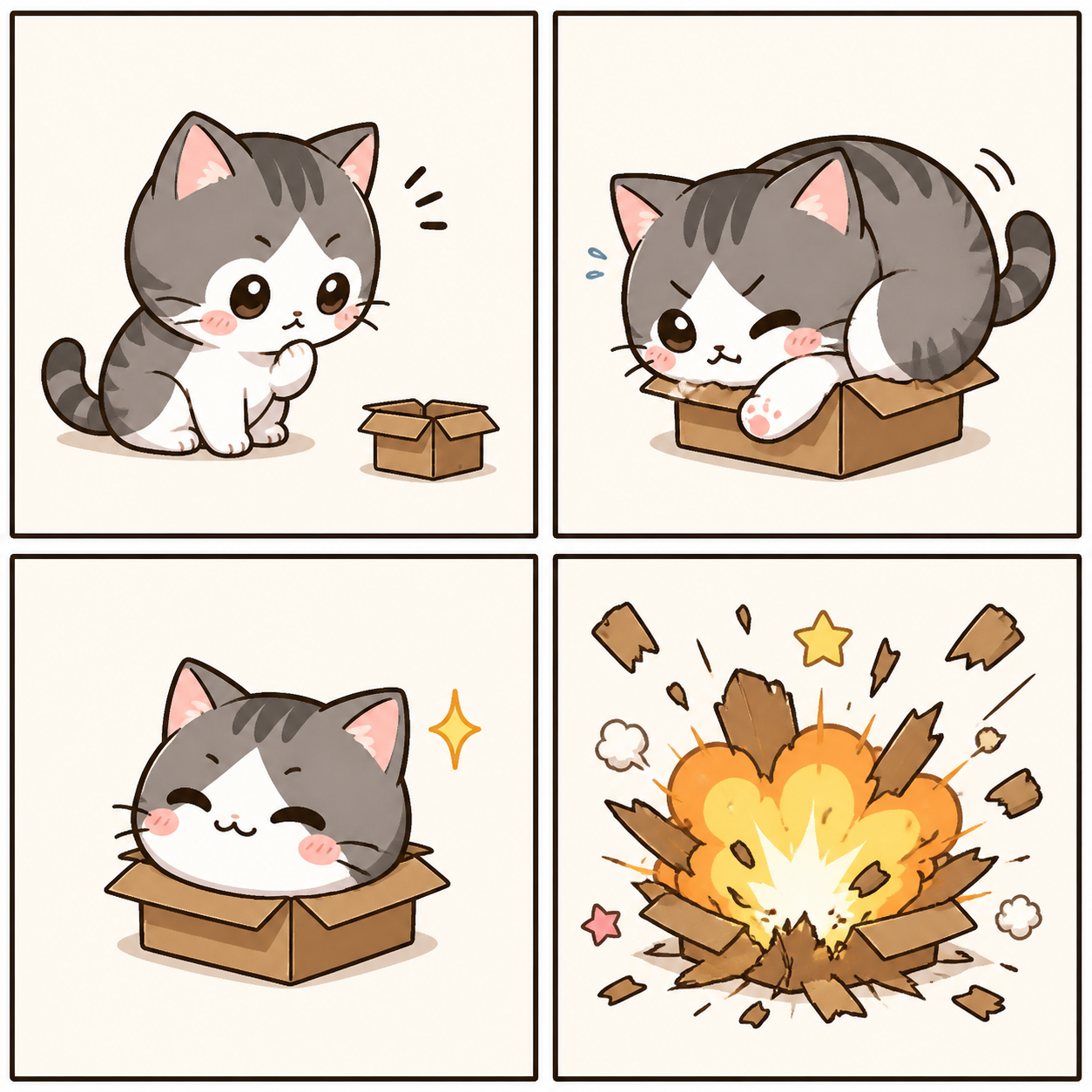
AI-generated plant-lover meme illustration with an orange cat.
Introduction
Give the MiniMax H4 AI meme generator a specific joke
Tell the MiniMax H4 AI meme generator what someone expects and what happens instead, using a situation the audience can recognize.
Start with a familiar moment
Try opening one more browser tab before finally starting work, or preparing a tiny snack with an absurd amount of equipment. Give the MiniMax H4 AI meme generator a concrete situation. The humor becomes easier to stage when the audience can recognize the ordinary part immediately.
- Write the setup and the unexpected turn in one sentence.
- Keep the MiniMax H4 AI meme generator idea focused on that contrast.
Choose a visual exaggeration
A mountain of notebooks beside one untouched blank page can exaggerate preparation replacing action. Ask the MiniMax H4 AI meme generator for one oversized or misplaced element. Too many absurd objects compete for attention and can make the scene feel random rather than deliberately funny.
Let the joke target a situation
An original fictional character struggling with a familiar task can carry the humor without borrowing a real person’s face. Give the MiniMax H4 AI meme generator an expressive subject and a clear problem. The audience should recognize the behavior, not need private background about someone depicted.
How to use
How to use the MiniMax H4 AI meme generator
- PromptSTEP 1
Choose the joke
Open GPT Image 2 text mode in the MiniMax H4 AI meme generator and describe a familiar situation with one clear visual exaggeration.
- ModelGPT Image 21K1:1PromptSTEP 2
Write the punchline
Give the MiniMax H4 AI meme generator a short caption, readable subject, and simple scene, such as a cat surrounded by too many plants.
- Detail
 STEP 3
Create the scene
Start the MiniMax H4 AI meme generator at square 1K, request contrasting lettering, check the displayed credits, and generate your illustrated joke.
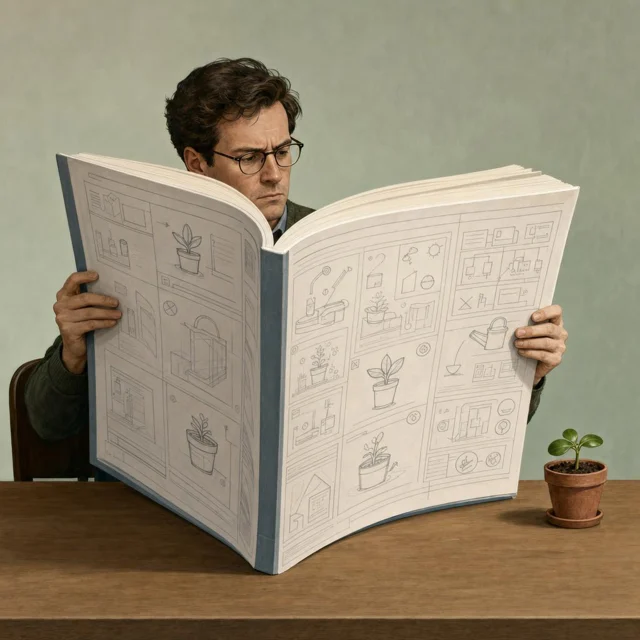
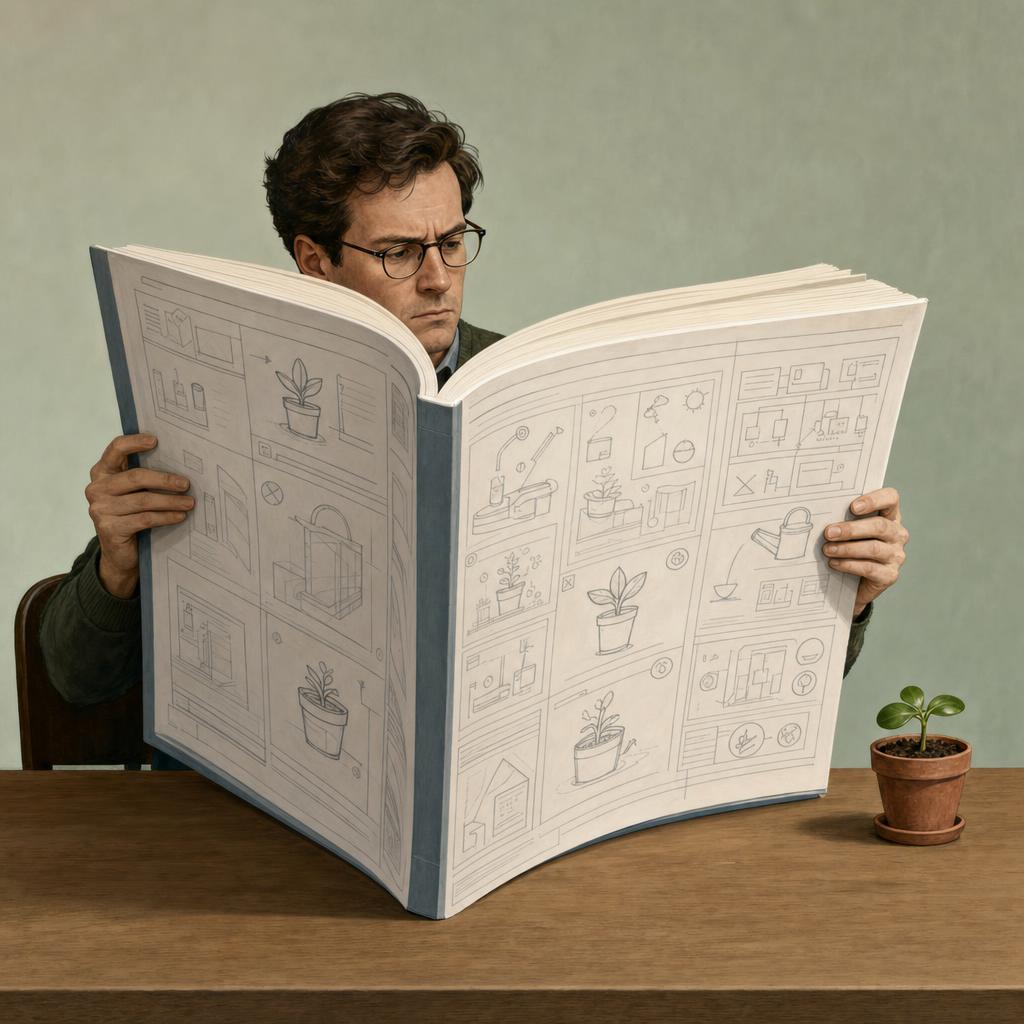
- Create an original humorous editorial illustration of a fictional adult carefully reading an enormous instruction manual beside one tiny uncomplicated potted plant. The person looks completely serious, the manual is comically oversized, and the plant is clearly visible next to it. Simple desk scene, clean composition, restrained colors, central visual relationship, square framing. No text anywhere, no readable book title, no logos, no extra people, no collage panels, and no clutter hiding the plant. The joke is excessive preparation for a very small task.DownloadSTEP 4
Check before sharing
Inspect MiniMax H4 AI meme generator spelling and expressions, preview the small crop, and correct confusing details before downloading your chosen image.
Features
Stage a readable MiniMax H4 AI meme generator scene
Ask the MiniMax H4 AI meme generator for a composition that makes the connection between setup and surprise easy to understand.
Put the important objects together
A tiny plant beside an enormous instruction manual works only if both are easy to see. Tell the MiniMax H4 AI meme generator which objects carry the joke and how they relate. Avoid spreading the crucial information across opposite corners of a crowded scene.
- Keep the essential relationship inside the central composition.
- Inspect the MiniMax H4 AI meme generator joke without reading its caption.
Use expression as supporting information
A completely serious expression can strengthen an absurd situation, while surprise may help reveal a sudden mishap. Specify the intended reaction to the MiniMax H4 AI meme generator. An exaggerated face should support the joke rather than become a second unrelated punchline.
Remove unnecessary background stories
Choose a plain desk, simple kitchen, or quiet waiting area when the setting is not the main joke. The MiniMax H4 AI meme generator does not need a room full of hidden references. Fewer competing details leave more attention for the one visual contradiction that matters.

Keep MiniMax H4 AI meme generator wording short
Give the MiniMax H4 AI meme generator a short line and clear placement so words sharpen the joke instead of explaining everything.
Write the line before generating
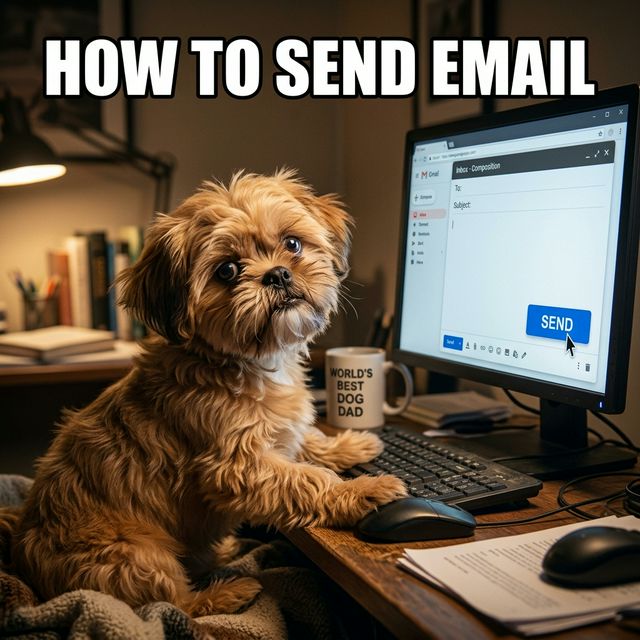
Try a compact phrase such as “ONE QUICK CHANGE” beside an obviously overcomplicated task. Put the exact wording in quotation marks for the MiniMax H4 AI meme generator. Shorter copy is easier to inspect and leaves more room for the picture to carry the humor.
- Use one compact line before attempting a longer caption.
- Check MiniMax H4 AI meme generator spelling character by character.
Do not make the text fight the picture
Keep letters away from faces, essential props, and the visual reveal. Ask the MiniMax H4 AI meme generator for a calm text area with a simple background. A funny image becomes less useful when the key object sits behind a thick block of words.
Keep an editable alternative
For wording that must be exact, generate the scene without text and add the caption in a separate editor. The MiniMax H4 AI meme generator returns JPEG artwork, not editable text layers. This also lets you adjust timing or shorten the joke without rebuilding the image.
Prepare MiniMax H4 AI meme generator ideas for their audience
Brief the MiniMax H4 AI meme generator for the context your audience shares and the format where the joke will appear.
Use context the audience actually shares
A joke about revision requests may work for designers but need a simpler setup elsewhere. Brief the MiniMax H4 AI meme generator for that level of familiarity. Replace obscure references with visible actions when the image needs to make sense beyond a small group.
- Read the joke as someone seeing it for the first time.
- Keep MiniMax H4 AI meme generator humor understandable without a long introduction.
Preview the smaller version
Look at the image around the size it will appear in a conversation or feed. If the punchline depends on tiny screen text, simplify it. Ask the MiniMax H4 AI meme generator for larger essential objects instead of adding more words to explain what became invisible.
Leave room around the joke
Keep wording, faces, and key props away from uncertain crop boundaries. The MiniMax H4 AI meme generator starts with a square frame, but another placement may need a different ratio. Recompose the joke when necessary rather than cutting off the very detail that makes it work.
Try a focused MiniMax H4 AI meme generator request
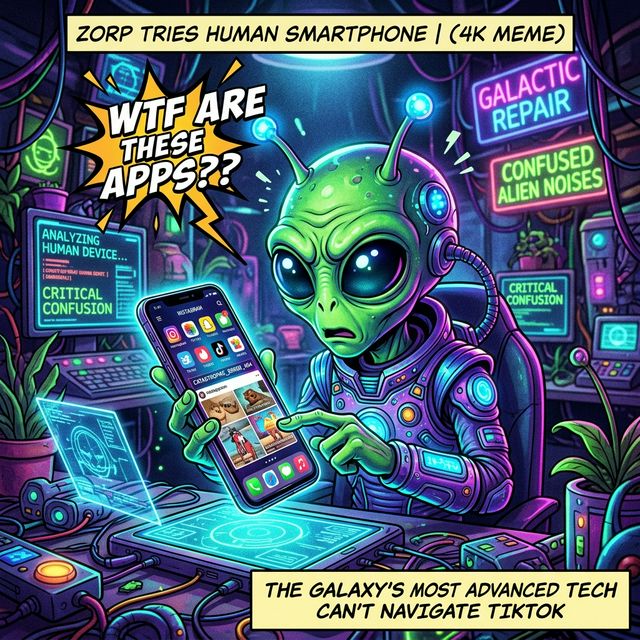
Use the MiniMax H4 AI meme generator to test the setup, surprise, and reading order before comparing elaborate rendering styles.
Choose the square starting setup
Select GPT Image 2 text mode at 1:1 and 1K, with one output. Describe the fictional subject, situation, exaggeration, and any exact wording. Review the MiniMax H4 AI meme generator settings and displayed credits before submitting so the configuration matches your intended experiment.
- Specify a single scene when a collage would confuse the joke.
- Tell the MiniMax H4 AI meme generator what the viewer should notice first.
Change the joke’s timing
Compare showing the character just before the mishap with showing the aftermath. Keep the visual premise stable. The MiniMax H4 AI meme generator can explore either moment, but they may communicate different jokes. Choose the one that makes the surprise understandable without additional explanation.
Use references for a deliberate remix
Switch to image mode to reinterpret a source you are authorized to use. The MiniMax H4 AI meme generator supports up to sixteen references there, multiple ratios, one to four outputs, and 1K, 2K, or 4K. Explain which source establishes the scene and what should change.
Review MiniMax H4 AI meme generator output before sharing
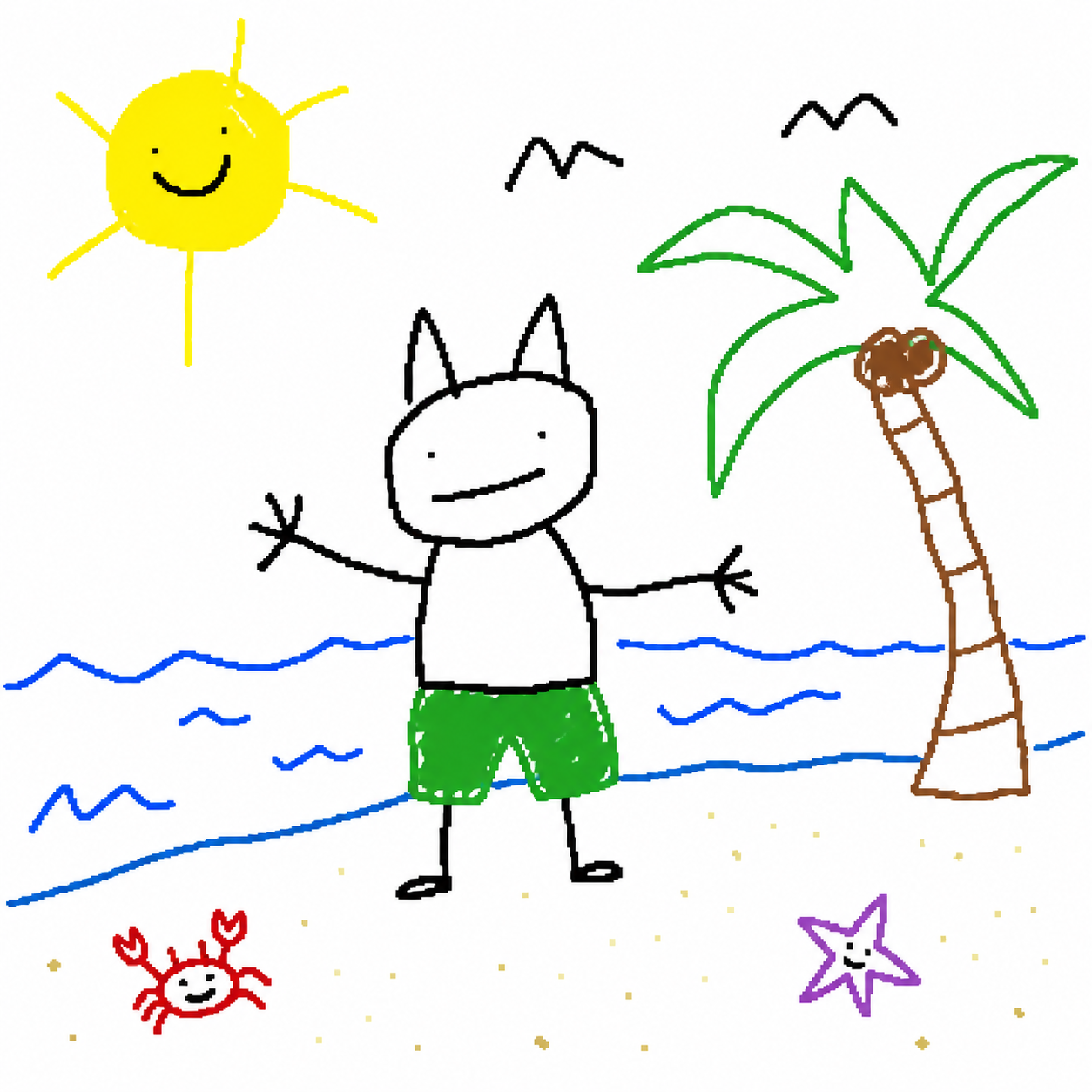
Check MiniMax H4 AI meme generator wording, visual logic, and implied context so the image delivers the joke you actually intended.
Check the setup still makes sense
Count the essential objects and inspect the action. The MiniMax H4 AI meme generator may add an extra hand, merge a prop, or change the relationship that carries the joke. A deliberate impossible situation is different from an accidental defect that distracts from the idea.
- Ask whether the intended punchline survives without your explanation.
- Reject MiniMax H4 AI meme generator changes that turn the joke into confusion.
Review meaning as well as spelling
A missing word or altered expression can change the tone from playful to hostile. Read the MiniMax H4 AI meme generator result literally before sending it. With fictional scenes, avoid presenting the image as a photograph of a real event or a statement by a real person.
Keep the final crop intentional
Save the selected JPEG and check it in the destination layout before posting through your own workflow. The MiniMax H4 AI meme generator does not automatically publish it. Keep a textless version when practical so later caption changes do not require repairing lettering inside the picture.
Example prompts
The overprepared plant owner
Create an original humorous editorial illustration of a fictional adult carefully reading an enormous instruction manual beside one tiny uncomplicated potted plant. The person looks completely serious, the manual is comically oversized, and the plant is clearly visible next to it. Simple desk scene, clean composition, restrained colors, central visual relationship, square framing. No text anywhere, no readable book title, no logos, no extra people, no collage panels, and no clutter hiding the plant. The joke is excessive preparation for a very small task.
One quick change
Create a square original visual joke: a fictional adult maker sits at a plain workbench facing a tiny wooden object surrounded by an absurdly elaborate but neatly organized set of tools. The person has a calm, determined expression. Keep the small object and oversized preparation easy to understand. Add only the exact short caption "ONE QUICK CHANGE" in a clear quiet area at the top, not covering the face or central object. No other words, logos, extra characters, or panels. Clean readable illustration with one focal relationship.
User reviews
MiniMax H4 creator workflow examples.
MiniMax H4 creator workflows

Create a short MiniMax H4 game scene using a character reference and a clear action. Compare the generated character, interface details, and motion with the source before using the result.

Explore an animation look in MiniMax H4 with a focused visual brief. Keep a style reference, test one motion at a time, and inspect consistency between shots.

Use product photographs to plan a MiniMax H4 listing video. Review the actual packaging, visible labels, and generated audio; assess campaign results using your own measurements.

Prepare a short MiniMax H4 vertical video with one subject and one visible change. Choose the ratio, preview the complete clip, and revise the prompt before publishing.

Choose an available editing model in MiniMax H4 and describe the intended change. Check preserved details, lighting, and frame continuity against the original recording.

Build a MiniMax H4 shot study before a shoot. Describe framing and camera movement, review each draft, and keep the result as a planning aid rather than a guarantee of the final shot.
MiniMax H4 Pricing and Credit Plans
Cancel anytime
Lite
50% off0.025 / credit
Billed $179 yearly· Save $179.8
Video Models



Image Models



- Includes MiniMax H4 and all premium models
- Up to 1 batch generation task
- Standard generation speed
- Standard generation success rate
- Standard customer support
- Commercial Use License
Standard
50% off0.017 / credit
Billed $299 yearly· Save $299.8
Video Models
Image Models
- Includes MiniMax H4 and all premium models
- Up to 4 batch generation tasks
- Priority processing speed
- High generation success rate
- Priority customer support
- Commercial Use License
Pro
50% off0.014 / credit
Billed $599 yearly· Save $599.8
Video Models
Image Models
- Includes MiniMax H4 and all premium models
- Up to 10 batch generation tasks
- Fastest generation speed
- High generation success rate
- Dedicated account manager
- Commercial Use License
Max
50% off0.012 / credit
Billed $1,199 yearly· Save $1,199.8
Video Models
Image Models
- Includes MiniMax H4 and all premium models
- Up to 10 batch generation tasks
- Fastest generation speed
- High generation success rate
- Dedicated account manager
- Commercial Use License
Pay safely and securely with























FAQ
Frequently asked questions
Does the MiniMax H4 AI meme generator require an existing meme template?
No. The MiniMax H4 AI meme generator can create an original scene from your written setup and punchline. Describe the familiar situation, the surprising detail, and the intended expression. A clear idea matters more than copying a recognizable template.
Can the MiniMax H4 AI meme generator render exact caption text?
You can request short wording, but exact lettering is not guaranteed. Check every word before sharing. When the line must be precise or frequently revised, generate a textless scene and add the caption in a separate editor that keeps it editable.
Can I upload a photo to the MiniMax H4 AI meme generator?
Yes. Switch to GPT Image 2 image mode and upload a source you are authorized to use. Describe the desired reinterpretation and the parts that should remain. Avoid using a real person’s likeness to fabricate statements or misleading events.
How do I make an MiniMax H4 AI meme generator result readable?
Keep one main joke, large essential objects, and short wording. Preview the image at the intended display size. If someone has to zoom in to discover the punchline, simplify the scene or make the important relationship more prominent.
Does the MiniMax H4 AI meme generator provide editable layers?
No. The workspace returns a JPEG raster image, not separate background, character, and text layers. Use a separate design editor for editable captions or other finishing. You can also request a revised image, but that is another generation rather than a layer edit.
CTA
Give the MiniMax H4 AI meme generator a joke worth seeing
Choose a familiar situation and one unexpected turn. Use the MiniMax H4 AI meme generator to make the visual relationship clear, then check the wording and sharing crop before sending it into the conversation.
Create an original meme